
Adeeb Studio The interactive learning content platform
Everything you need to create an interactive lesson, in one place
Interactive stories, activities and quizzes for kindergarten, pre-school and grades 1 to 5. Start from ready-made content, or create your own lesson with ready-made characters and backgrounds, with help from AI.

What is Adeeb Studio?
A platform that turns your lesson idea into an experience children interact with
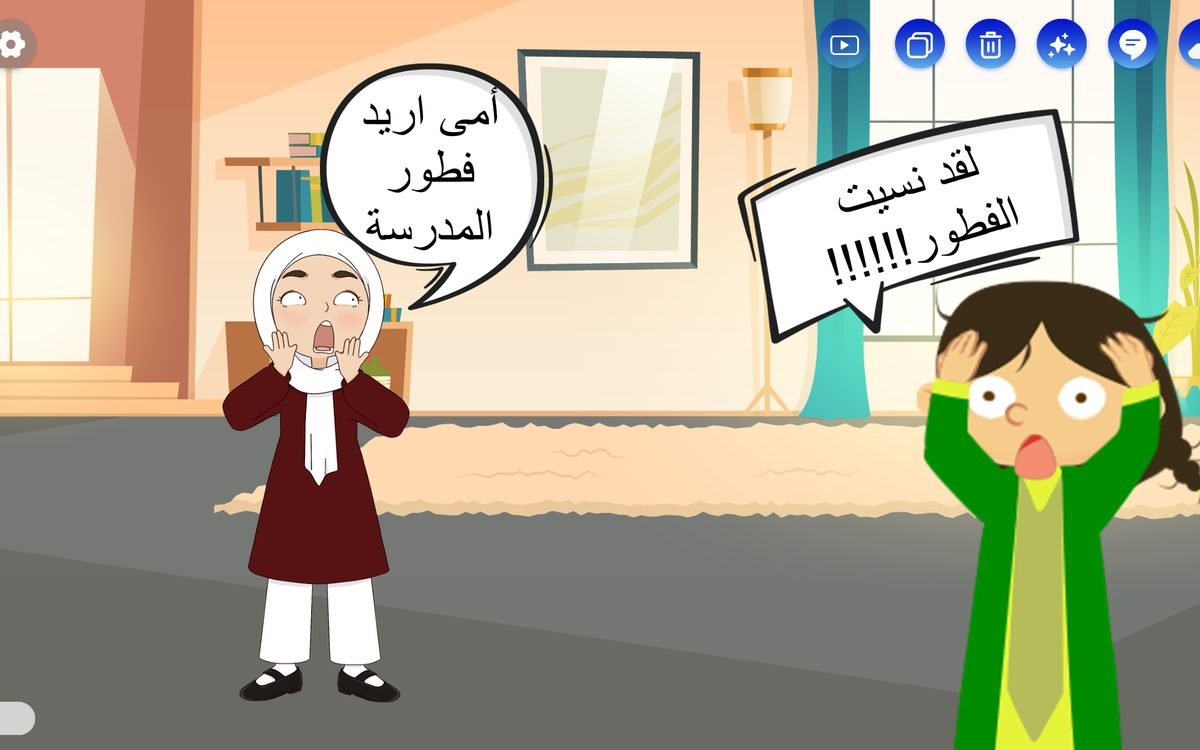
Adeeb Studio is an Omani learning platform in Arabic and English. It brings together a library of ready-made interactive stories and activities, and tools to create your own content without design software or technical skills, then share it with your students in class or at home.
Create faster with AI
Describe your lesson or activity, and AI writes the text and questions, picks the right assets, and turns text into speech. Then adjust everything your way.
Included in every planWho is Adeeb Studio for?
For everyone who teaches and creates for children
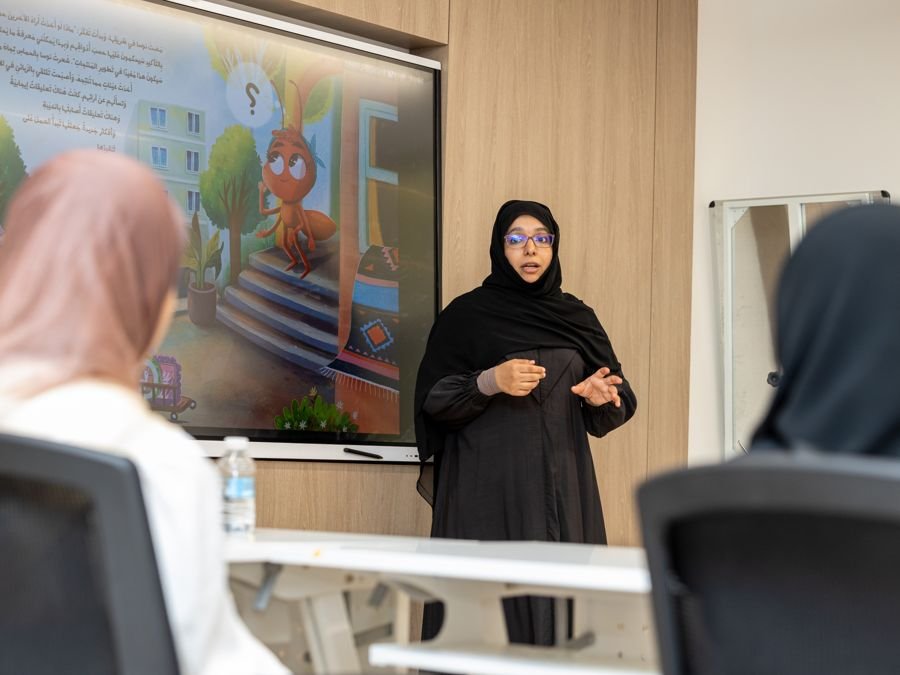
Early-grade teachers
- Ready-made lessons organized by subject and grade
- Create your own stories, activities and quizzes
- Show the lesson on the class screen or send it to your students
- Turn text into speech with AI

Schools
- A school page with its own name and logo
- Add teachers and students and set their roles
- Review content before it reaches the school's students
- Teacher training included with the subscription
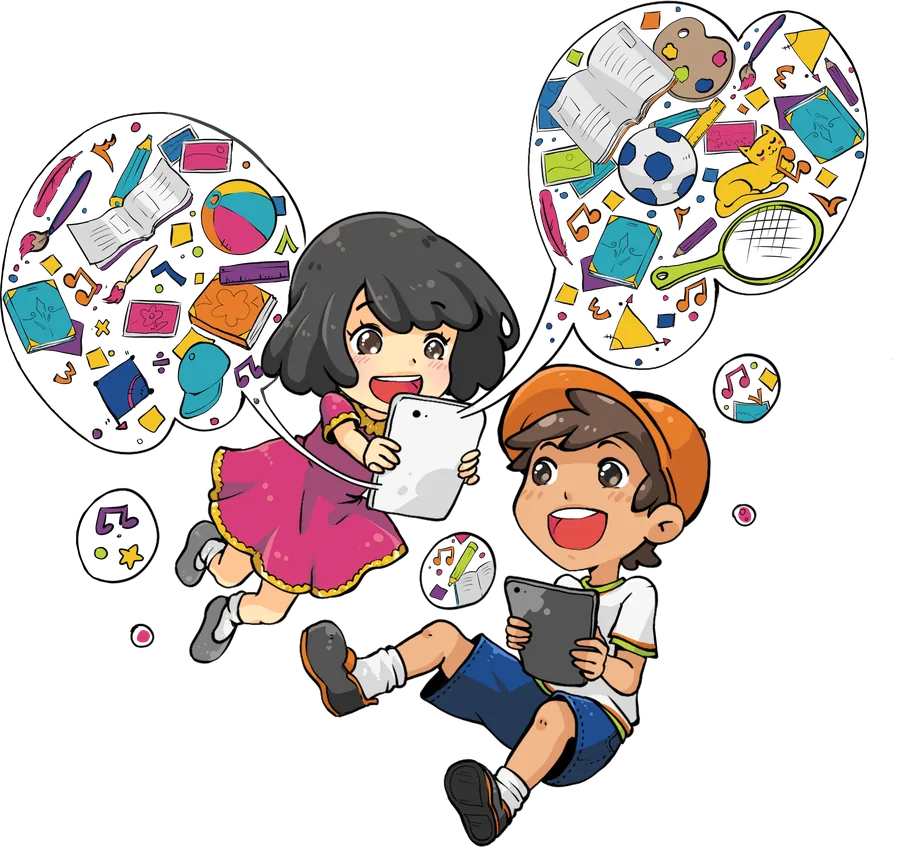
Children's content creators
- A large library of characters, backgrounds and assets
- Story scenes with dialogue, sound and motion
- A page for your organization to publish your content
- Your content reaches schools and families
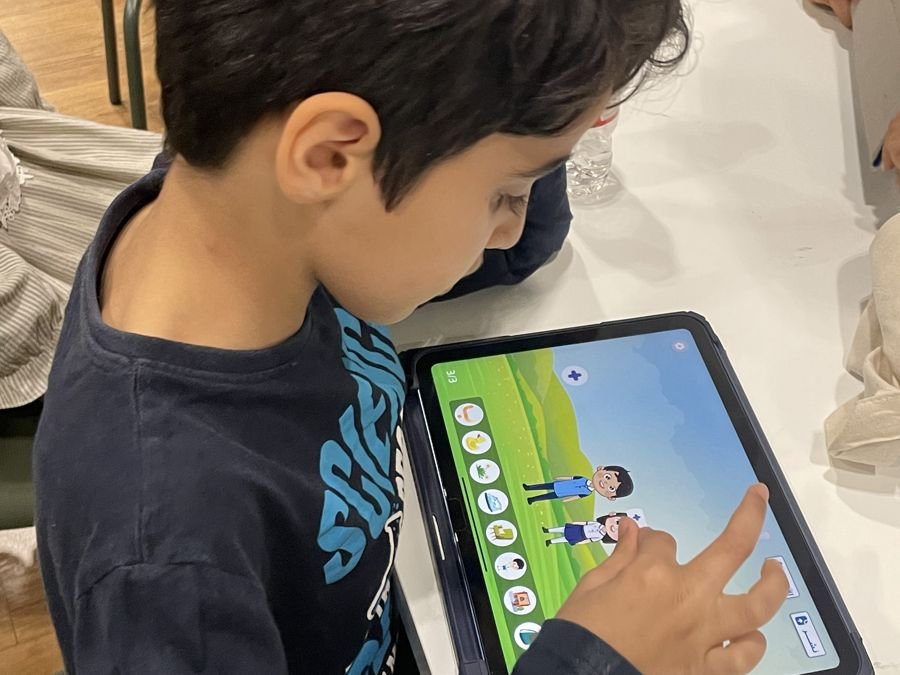
Students
- Children learn through play: fun stories and activities
- They drag, choose and solve activities on their own
- Encouragement and stars for every right answer
- Student accounts are completely free
Where is it used?
In class, in the lab, and at home
Adeeb Studio runs in your computer browser and on interactive screens, with nothing to install.
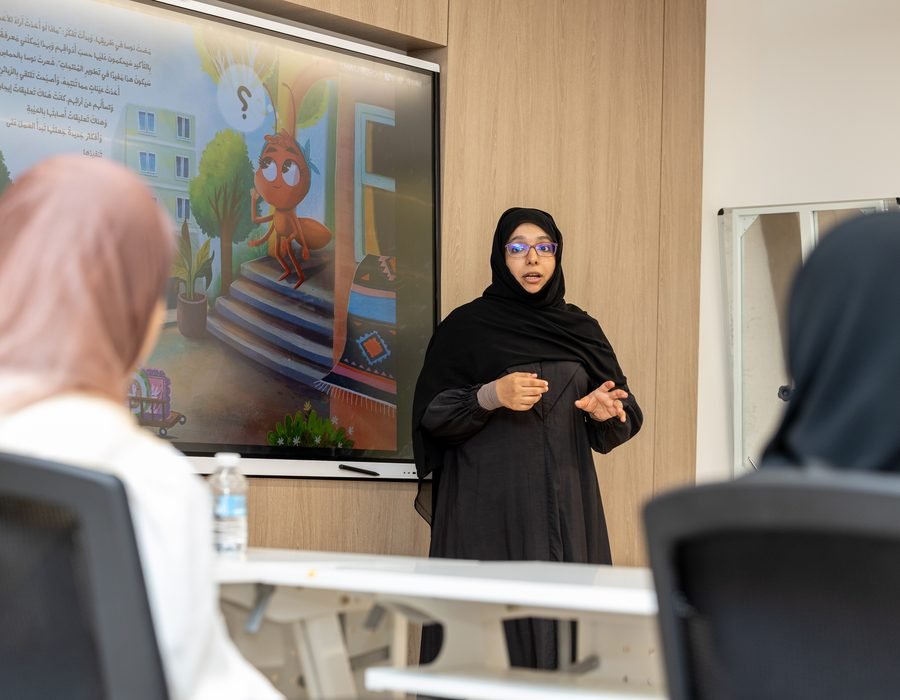
On the class screen
Show the lesson on the interactive screen and engage the whole class.
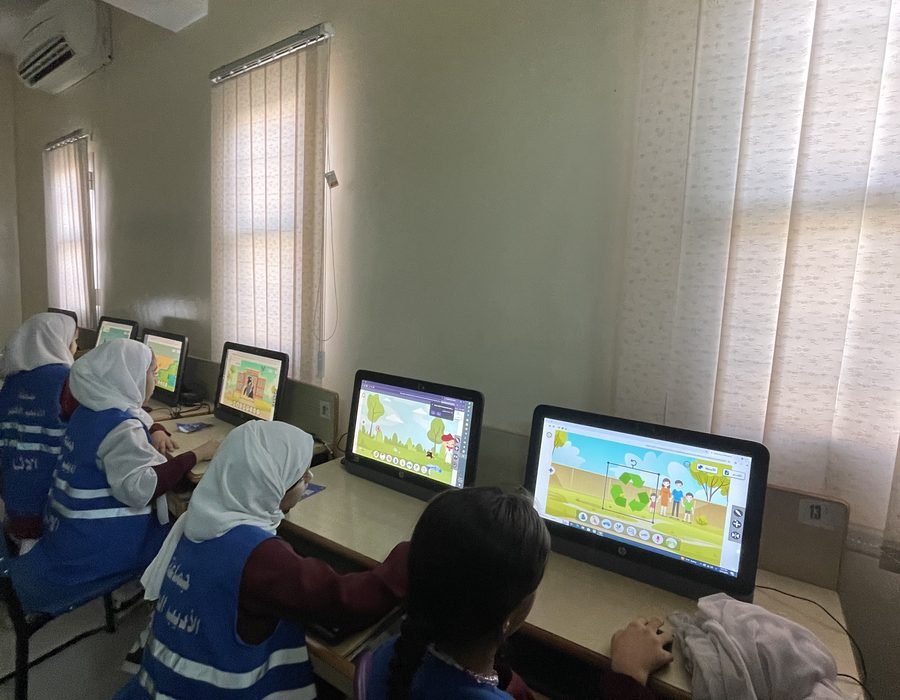
In the computer lab
Every student solves the activities on their own device.
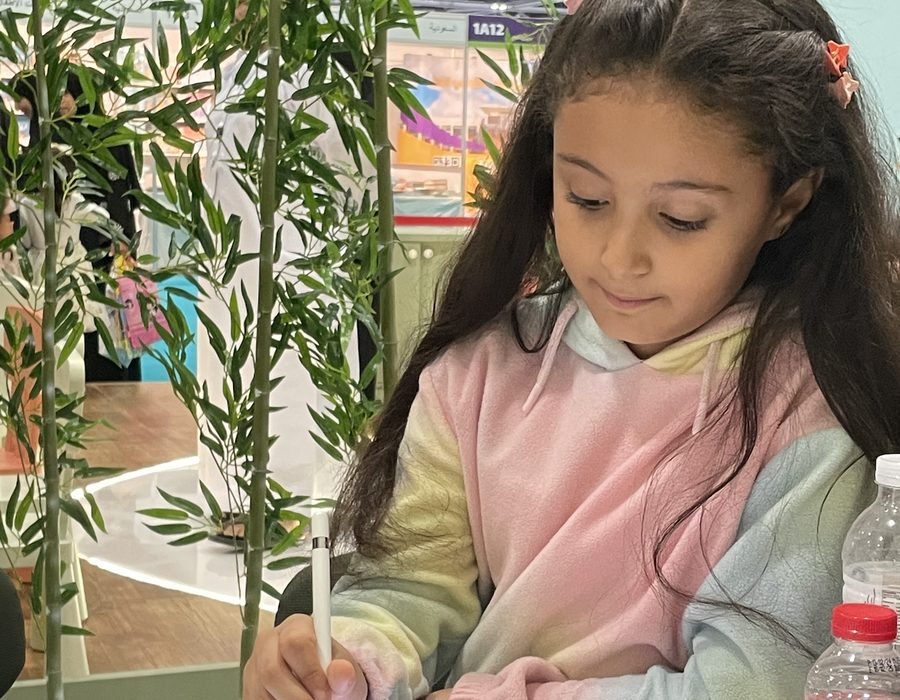
At home
Children open their lessons on the computer at home, and soon on iPad and tablets.
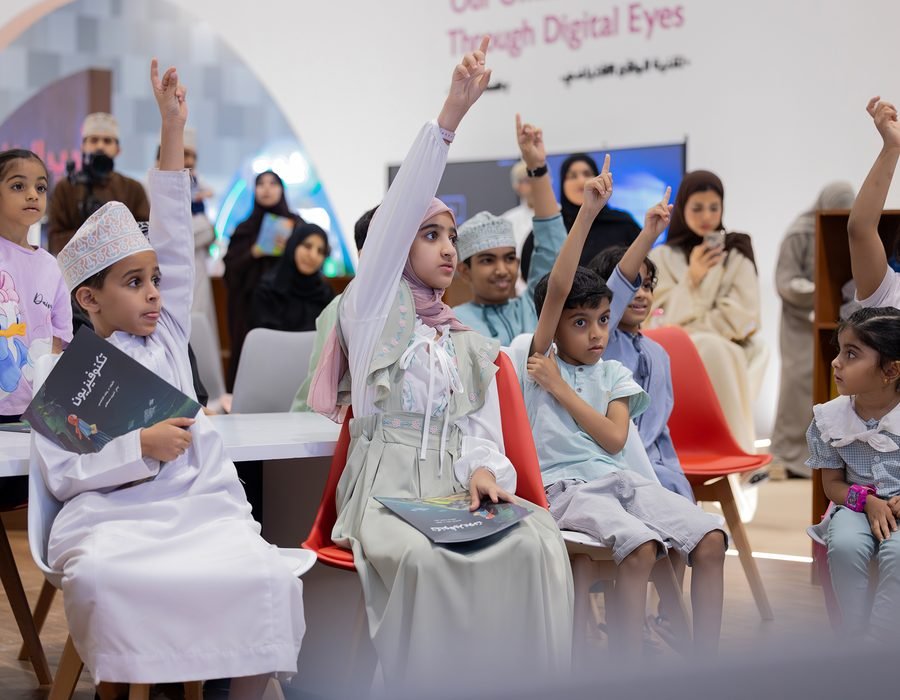
At workshops and events
Interactive learning experiences at exhibitions and festivals.
How do you create your lesson?
Five steps from idea to interactive lesson
Tap any step to see how it looks in the app
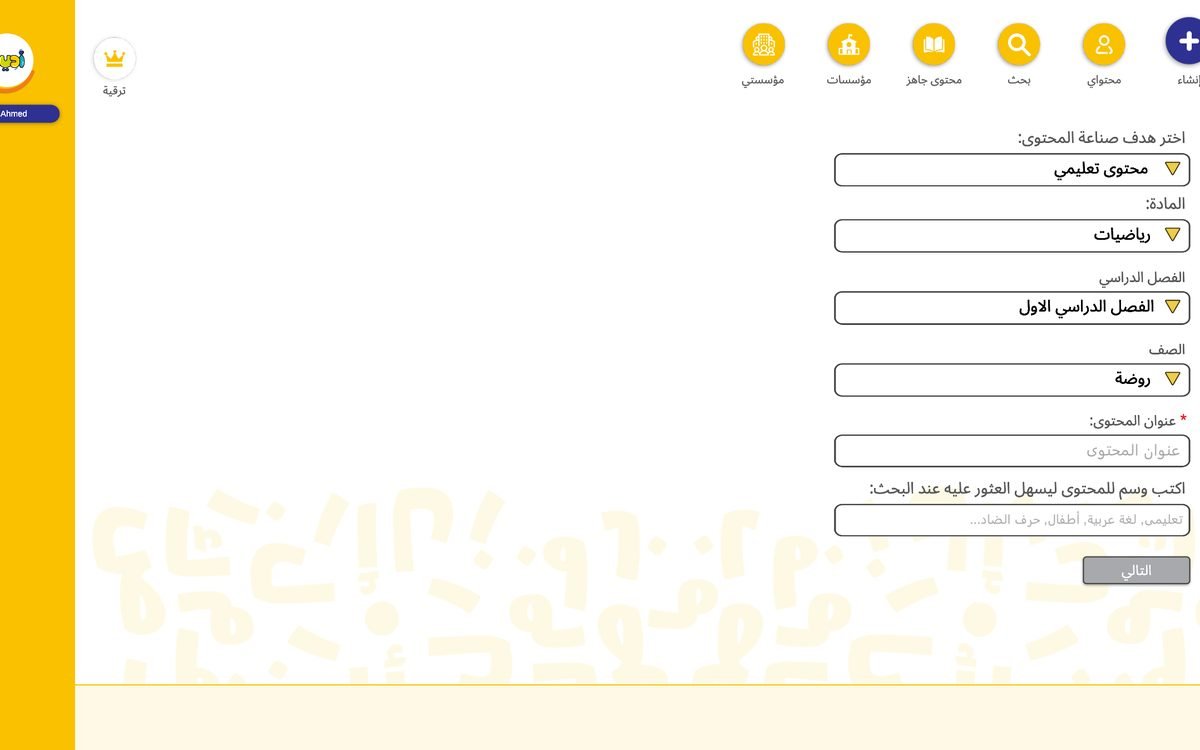
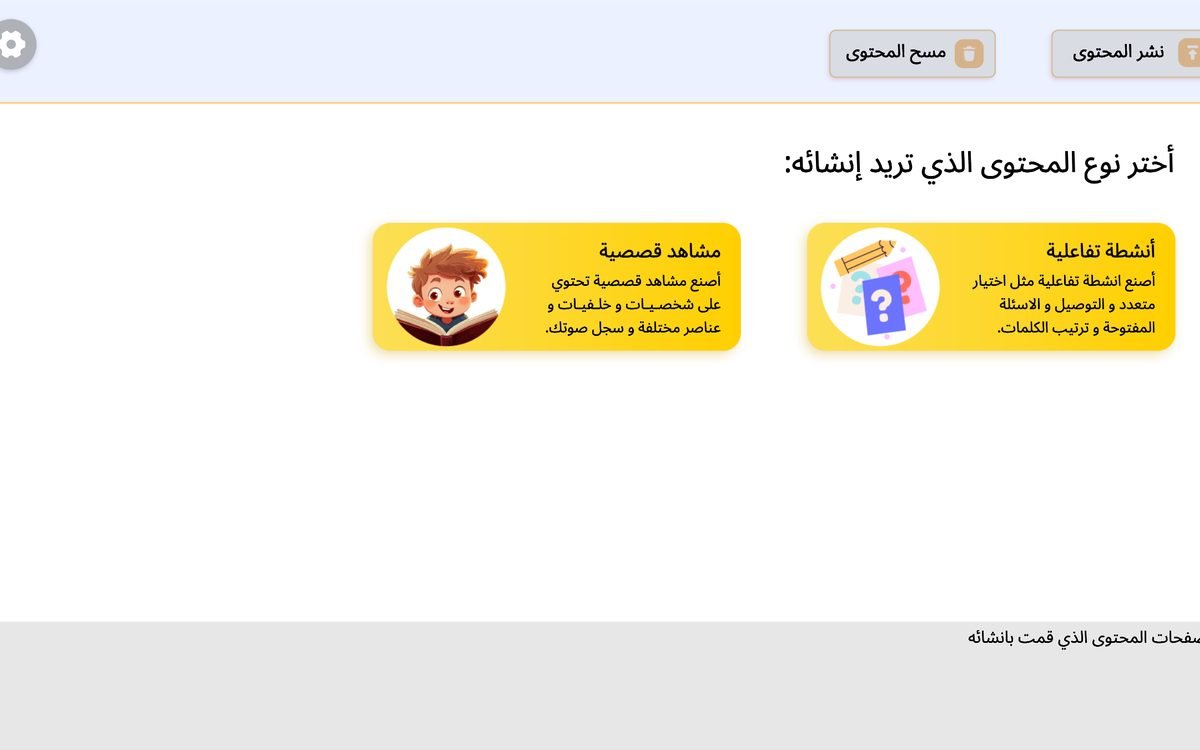
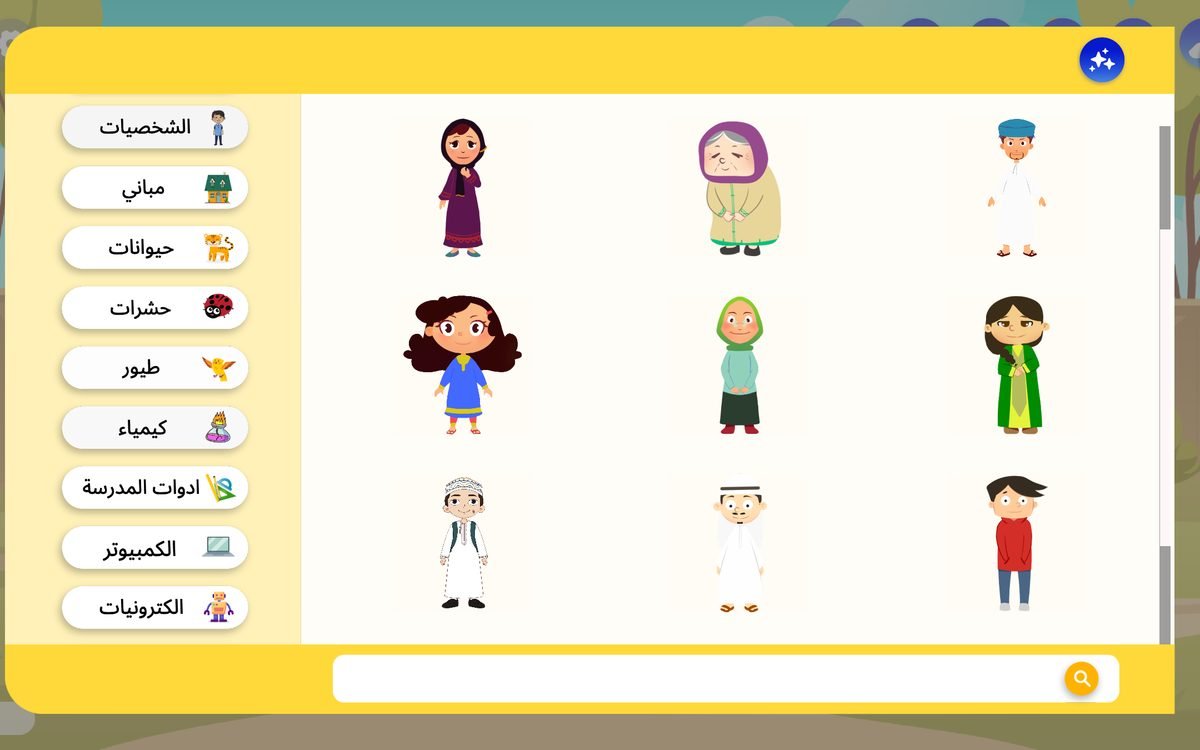
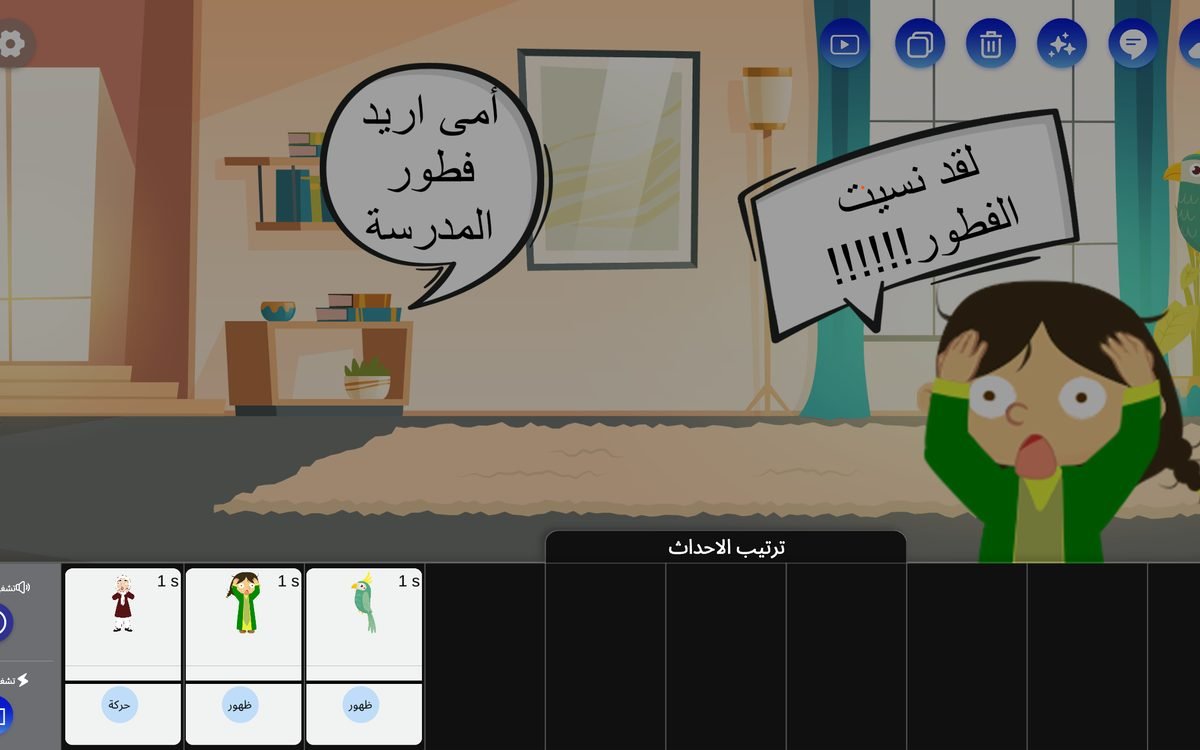

Choose the content goal, subject, term and grade, then write the lesson title.
At any step, you can get help from AI
Ready-made content
A library of ready-made lessons waiting for your students
Stories and activities in Arabic, math, science, English, Islamic studies and social studies, from kindergarten to grade 5.
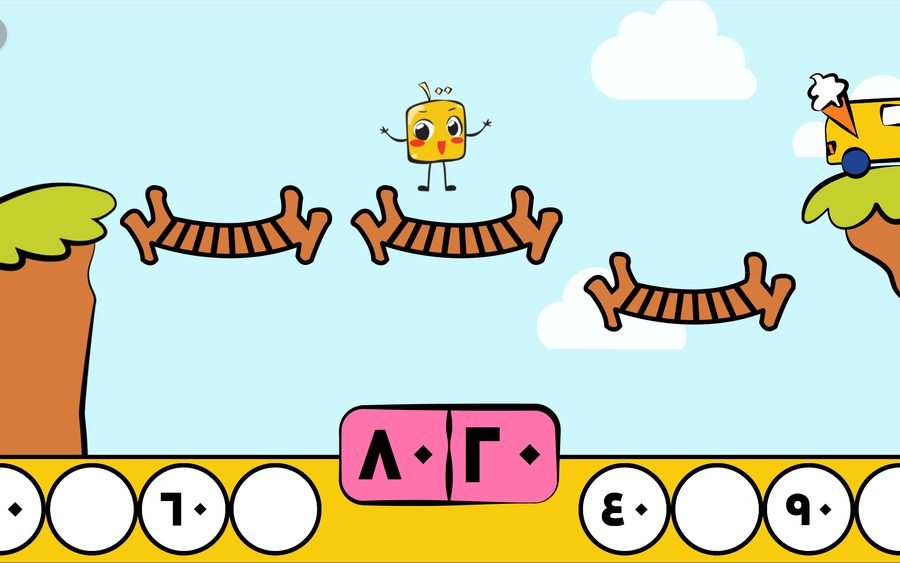
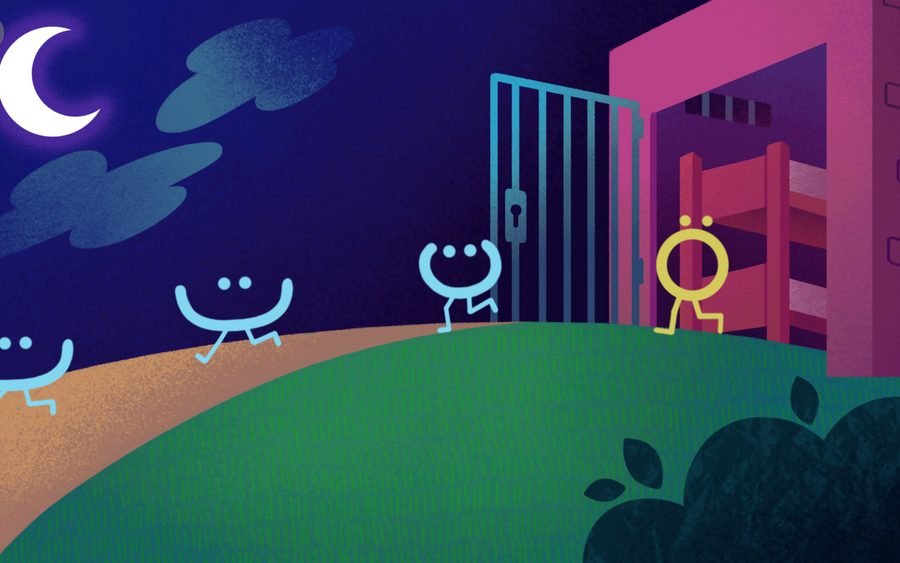

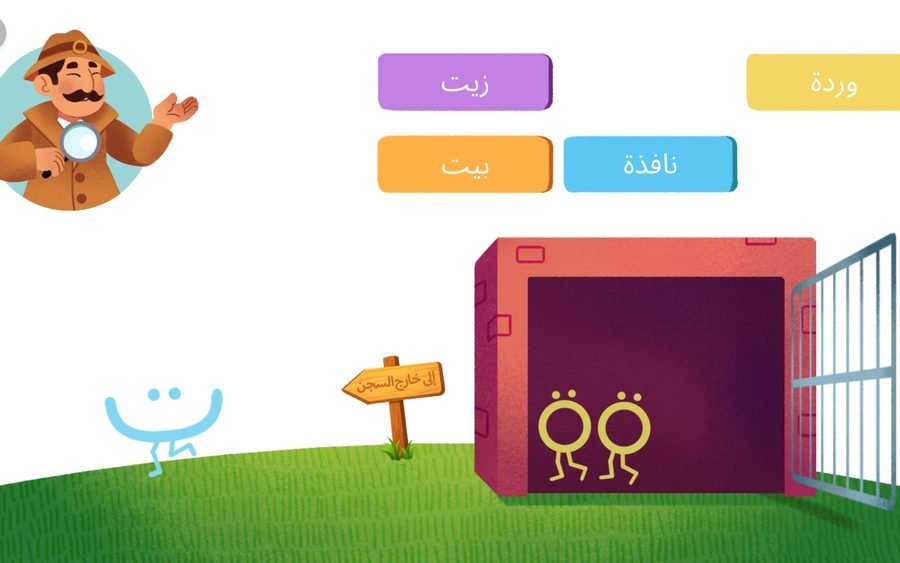

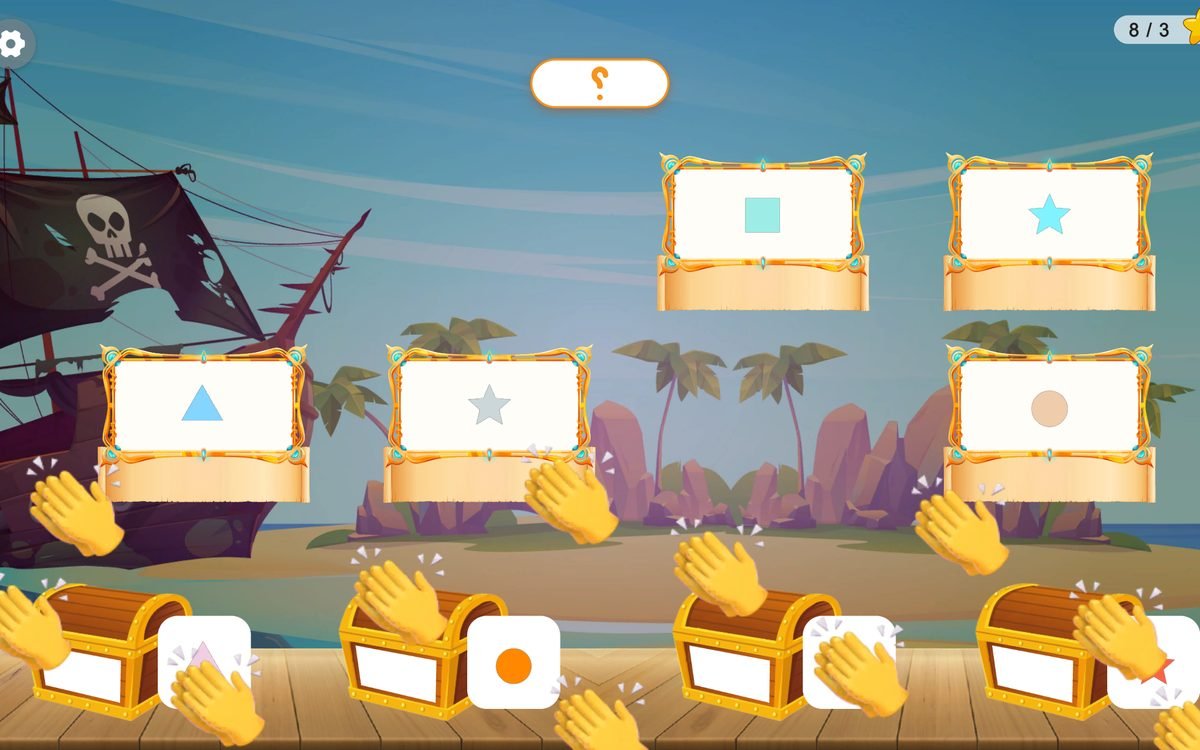
School account
A digital library just for your school
A space that brings together the school's teachers, students and content, managed by the school itself. With a subscription, Adeeb trains the school's teachers to use the platform.
- School pageA page with the school's name and logo, open only to its teachers and students.
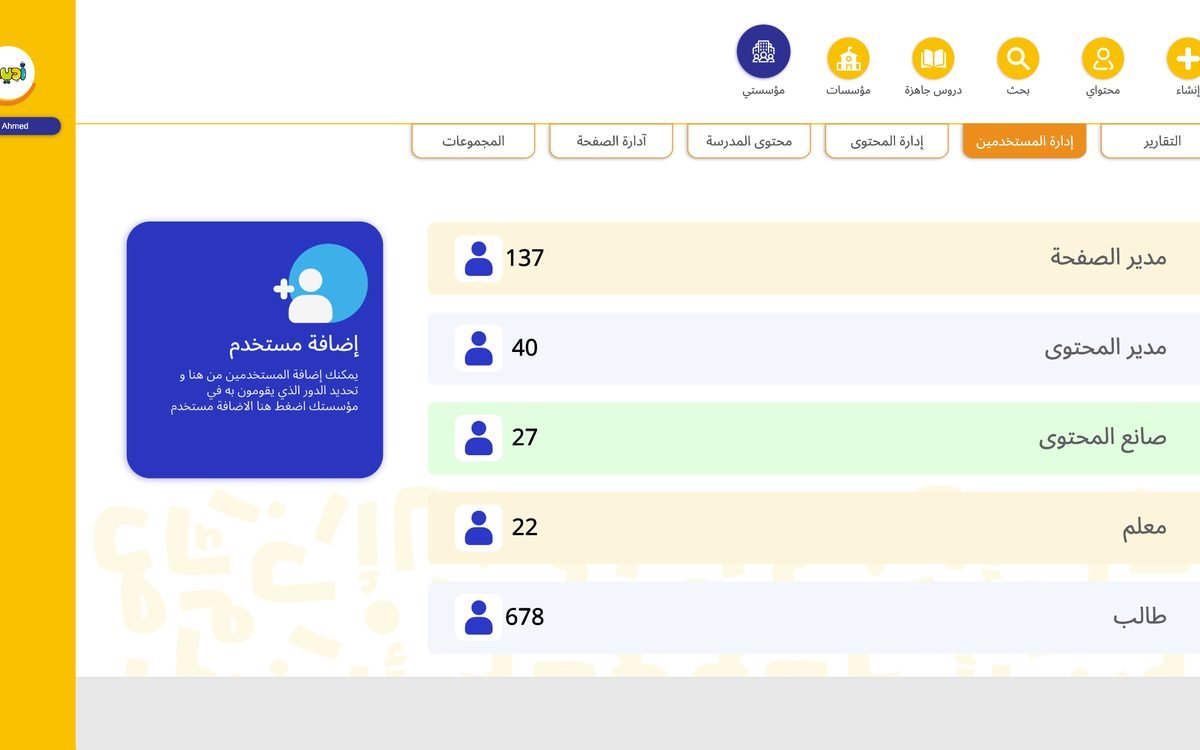
- Users and rolesAdd a page manager, content manager, content creator, teachers and students.
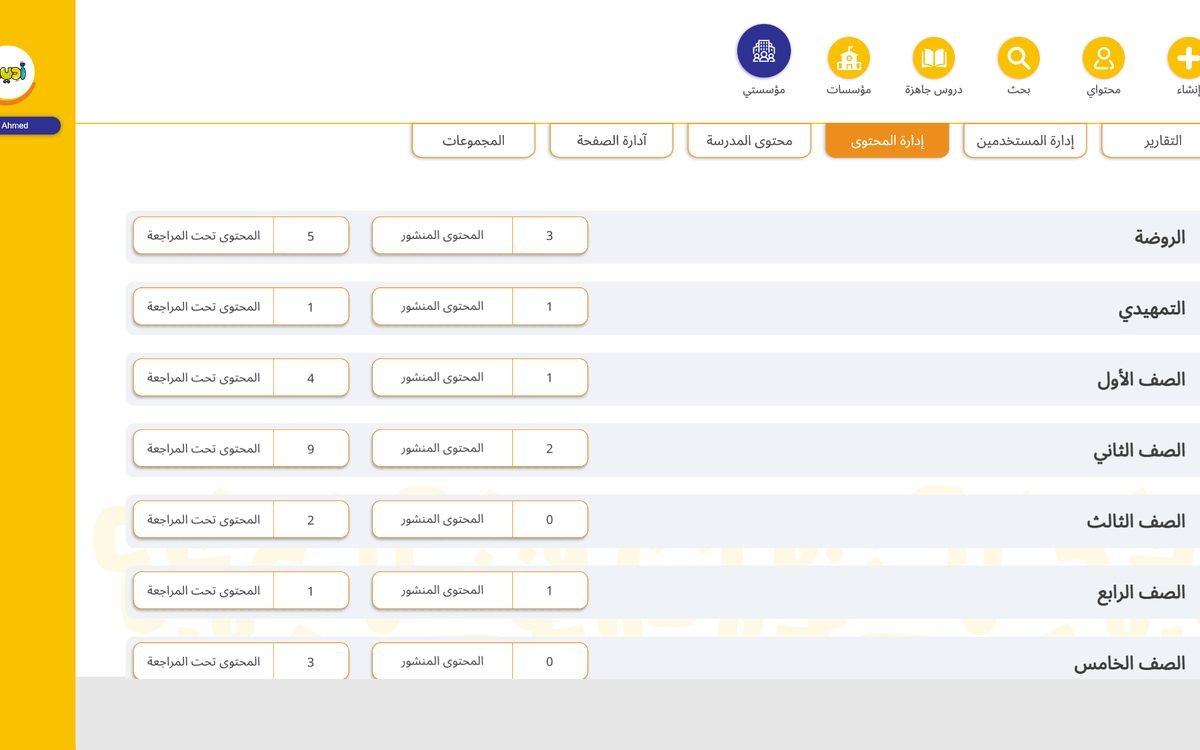
- Review before publishingAll content is reviewed before it reaches the school's students, organized by grade.
- Performance reportsEach teacher follows their students' answers, scores and progress.
Plans
A plan for every teacher and every school
Start free, and move to a bigger plan when you need it.
Individual plans
For teachers, parents and content creators, monthly or yearly with unlimited lessons.
- ExplorerCreate 3 lessons free, with access to free content.Free
- CreatorUnlimited lessons and interactive stories, with fast support.
- LeaderAll Creator features on a yearly plan that saves you money.
School plans
They vary by amount of content and number of users, with a 3-month free trial and no bank details needed.
- PlanetsA good start for schools building their digital learning library.
- StarsMore space, more content and more capabilities.
- GalaxiesFor schools that want to build a large digital learning library.
AI is included in every plan
FAQ
Questions teachers and schools ask
Didn't find your answer? Message us on WhatsApp and we'll help.
Accounts & plans
Can I use Adeeb Studio for free? What are the limits of the free plan?
Yes. Individuals can create a completely free personal account and choose the Explorer plan, which lets you create 3 lessons for free. If you want to create more lessons, you can upgrade to the monthly or yearly plan.
What's the difference between individual plans and school plans?
Individual plans Monthly or yearly, with no limit on the number of lessons you create.
School plans They vary by the amount of content and number of users in each plan, and a school can add all its students, teachers and administrative staff as needed.
How does a school subscribe? Is there a free trial?
The person in charge of the school follows these steps:
- Create a free personal account on Adeeb Studio.
- Create the school account and enter its details, such as its name, logo and a short description.
- Choose the right plan: Planets, Stars or Galaxies.
- Add teachers, students and administrative staff, and set each user's permissions.
When registering for the first time, the school gets a free 3-month trial with the features of the chosen plan, without entering any bank or payment details.
Can I cancel my subscription at any time?
Yes, you can cancel your subscription at any time, with no obligation to continue.
Can I use the content I created after my subscription ends?
After your subscription ends you can view 3 pieces of content. To access more, renew your subscription or choose a suitable plan.
Ease of use & devices
Do I need technical skills or design experience to create lessons?
Not at all. Adeeb Studio is designed to be easy for everyone. You create lessons, stories and interactive activities with ready-made tools and templates, with help from AI.
Which devices does Adeeb Studio work on?
It currently works on computers through the browser, and can be used on interactive screens in the classroom.
We're working on bringing it soon to iPad and Android tablets.
Does Adeeb Studio work offline?
Adeeb Studio currently needs an internet connection to work.
Does Adeeb Studio support Arabic and English?
Yes, you can create learning content in both Arabic and English.
Content & lessons
Is the ready-made content aligned with the curriculum in Oman?
The ready-made content is built on accumulated experience in education and curricula across the Arab world, and focuses on topics and learning skills rather than one specific curriculum. This gives teachers the flexibility to use it with different curricula, in Oman and beyond.
You can also create your own lessons aligned with the curriculum you teach.
Can I edit ready-made lessons and reuse them?
Yes, you can edit some ready-made lessons and reuse them to fit your learning goals.
How do students access lessons? Do students need an account?
Yes, students need an Adeeb Studio account, and creating one is completely free. How you share depends on the account type:
- In a school account: The teacher creates groups and adds students to them, then shares lessons, activities and notes there so they reach every enrolled student. Teachers can create more than one group.
- In an individual account: The teacher shares the lesson link directly with students, who open it for free.
Can I share lessons with other teachers?
Yes, through the share link. The other teacher can view and use the lesson, without permission to edit the original.
What types of content can I create?
Educational stories, lessons, activities and interactive games, to give your students a more fun and engaging learning experience.
AI
How does AI help me in Adeeb Studio?
It turns your ideas into ready-to-use content quickly and easily:
- Creating lessons: Describe what you want, and it writes the text, picks suitable assets from Adeeb Studio and builds a complete lesson.
- Creating activities: Choose the activity type and write a simple description, and it creates the questions or activity right away.
- Templates and designs: After creating the activity, you choose a suitable theme or template for it.
- Text to speech: Written text becomes spoken audio without recording your own voice.
AI is available in every plan.
School accounts
Can a school add its logo and branding to the content?
It isn't currently possible to add a logo and branding directly to the content. However, every subscribed school has its own page with its content, accessible only to the school's teachers and students linked to its account.
Does Adeeb offer teacher training?
Yes. When a school subscribes, Adeeb trains its teachers to use the platform, create learning content and get to know its tools and features.
Can teachers track student performance and results?
Yes, every teacher has reports to follow students' answers and scores, and assess their understanding and progress in lessons and activities.
Parents & support
Can parents use Adeeb Studio?
Yes, parents can create stories and interactive learning content and share it with their children: a chance to learn, create and have fun together.
Is there technical support?
Yes, the Adeeb team helps answer your questions and solve any problem you face. Contact us through our social media accounts, or on WhatsApp for direct help.

Ready to create your first interactive lesson?
Sign up free and start today from your computer browser.
Sign up free